Upgrading DAO Contracts
Create a governance proposal to upgrade an existing DAO to Governor v3
Section titled “Create a governance proposal to upgrade an existing DAO to Governor v3”The Governor v3 upgrade is optional. A DAO continues to use its existing contracts and proposal lifecycle unless its members approve and execute an upgrade proposal. Discuss the upgrade, its review status, and the proposed settings with your DAO members before submitting it, so the community understands the change and is aligned on whether to proceed.
What the Upgrade Enables
Section titled “What the Upgrade Enables”The generated proposal upgrades the DAO’s Governor proxy to v3 and sets a configurable update period. This enables:
- proposal revisions during the fixed update period;
- signed proposals backed by up to 16 sponsors; and
- the Updatable and Replaced proposal states, including revision history.
The proposal supplied for this flow uses the Manager to upgrade the Governor proxy; it does not upgrade the DAO’s Token, Treasury or Auction proxies. Existing proposals, votes and settings are preserved. Reversing the implementation would require another approved governance proposal.
The example below sets a three-minute update period for testing. Select a period that gives your DAO enough time to review revisions in practice.
Create the Upgrade Proposal
Section titled “Create the Upgrade Proposal”-
Open the available upgrade
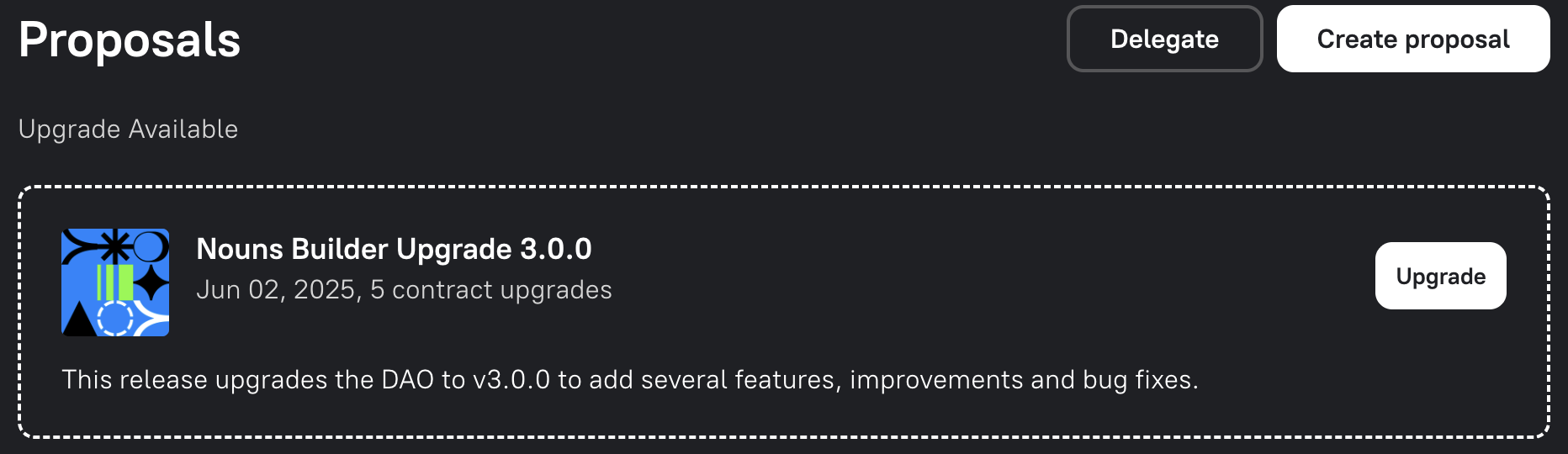
Open your DAO’s Proposals tab. DAOs that have not yet upgraded see Nouns Builder Upgrade 3.0.0 under Upgrade Available at the top of the page. Select Upgrade.
-
Review the code and unaudited status
Select Review Code Changes to open protocol PR #5. The interface deliberately keeps Continue with Upgrade unavailable until you:
- acknowledge that the implementation is unaudited;
- enter the exact DAO-specific confirmation text; and
- choose the proposal update period.
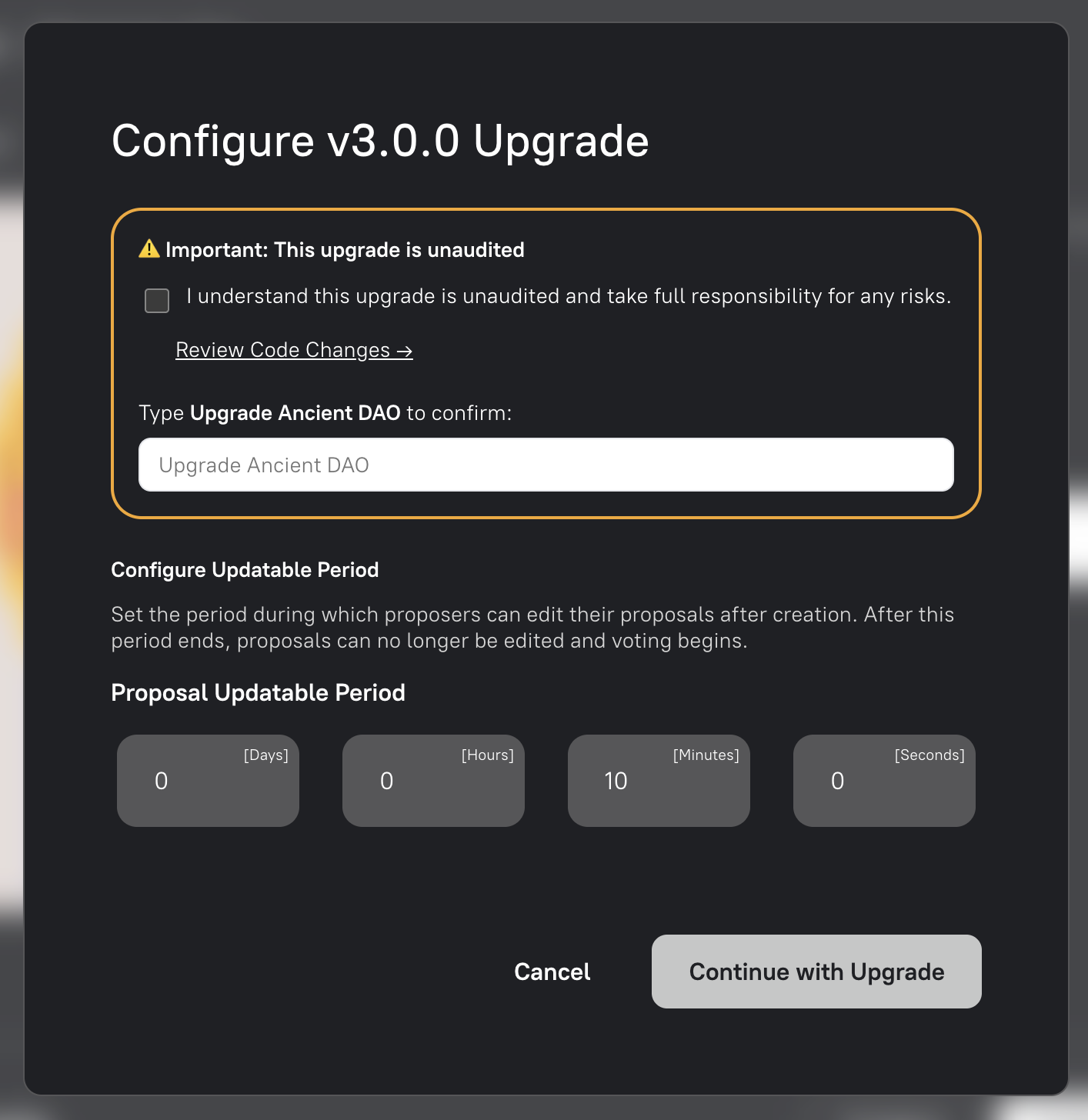
These checks help prevent an accidental upgrade and ensure you understand what you are authorising. They do not mean that we endorse the contracts as safe. Only acknowledge the warning if you have reviewed the code yourself or trust the DAO’s technical reviewers, and accept the remaining risk.
-
Confirm the DAO name exactly
Type the phrase shown above the field, including capitalisation and spacing. It follows the format
Upgrade <DAO name>. A partial or differently capitalised entry is rejected.
The field displays Confirmed only when the phrase matches exactly.

-
Set the proposal update period
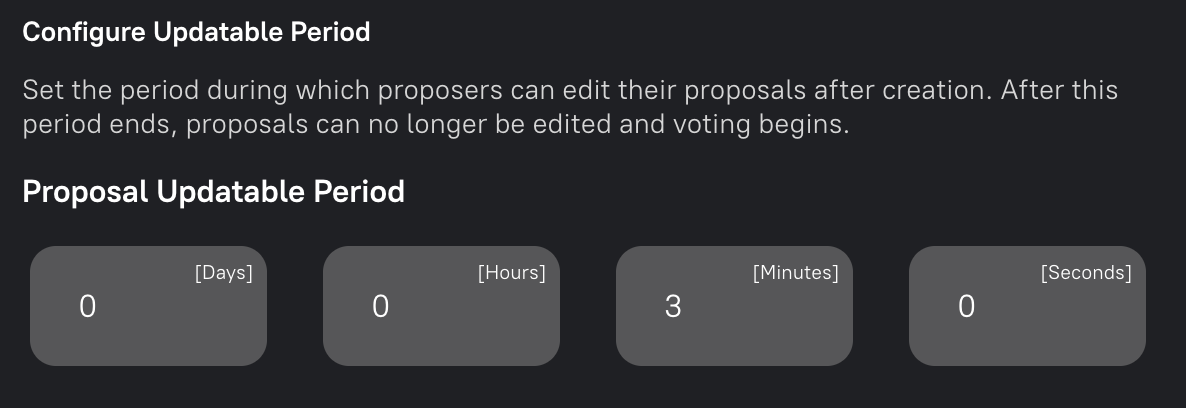
Enter the number of days, hours, minutes and seconds during which proposers may revise newly submitted proposals. The tested flow uses three minutes.
See Updating a Proposal for how the update period works and what proposers can change during it.
-
Review the generated proposal
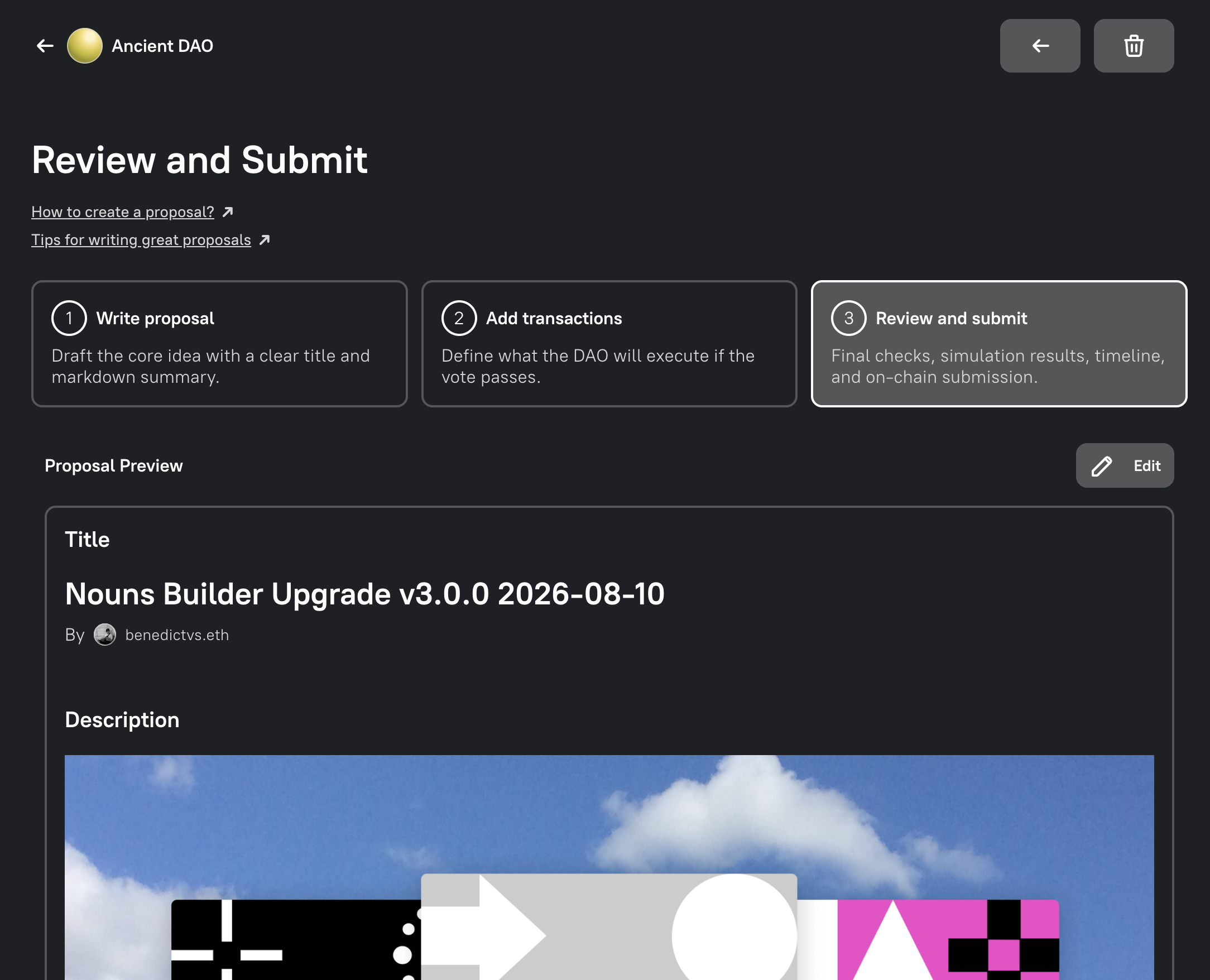
Select Continue with Upgrade. Builder opens the standard Review and submit step with a pre-filled proposal description and transactions.
Before submitting, verify that:
- the proposal links to PR #5 and clearly states that the upgrade is unaudited;
- the version and selected update period are correct;
- the encoded actions match the stated scope, without unexpected contract addresses or calls;
- the transaction simulation succeeds; and
- the projected governance timeline is appropriate.
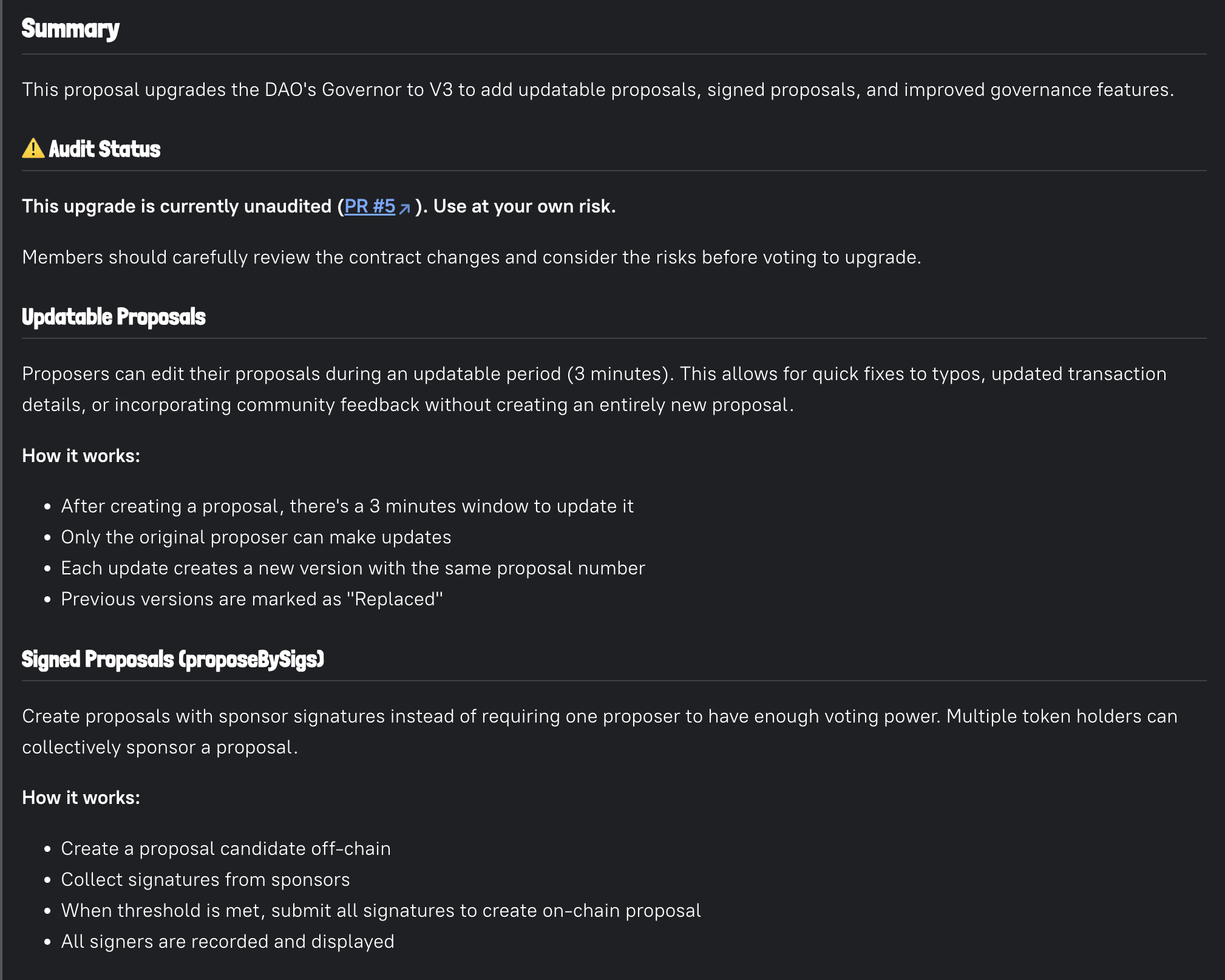
Complete the remaining checks and submission as described in Step 3: Review and Submit. The upgrade takes effect only after the proposal passes, is queued and is executed.
After Execution
Section titled “After Execution”Confirm that the Governor reports v3 and that its update period matches the proposal. Existing proposals retain their prior state. If the configured update period is greater than 0, newly created proposals enter Updatable before moving to Pending. If the period is 0, newly created proposals enter Pending directly and cannot be updated.
See Updating a Proposal for the proposer flow, Proposal Candidates for signed sponsorship, and the Builder Protocol Technical Reference for contract-level checks.